public void PRocessRequest(httpContext context)
    {
      context.Response.Contenttype = "APPlication/json";
      context.Response.ContentEncoding = Encoding.UTF8;

      Stream inputStream = context.Request.InputStream;
      Encoding encoding = context.Request.ContentEncoding;
      StreamReader streamReader = new StreamReader(inputStream, encoding);

      string strJSON = streamReader.ReadToend();

      Param p = JSonConvert.DeserializeObject<Param>(strjson);

      int top = Convert.ToInt32(p.Top);
      String term = p.Term;


      //var result = ...
      //context.Response.Write(result.ToJson());
    }

Source code
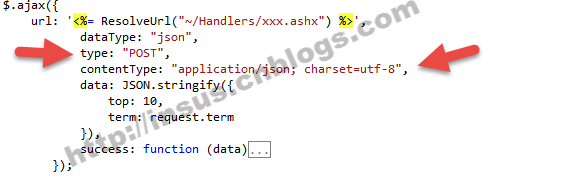
今天给大家分享一个小功能,在jQuery环境中,Post data to ashx进行数据交互。
参考下面代码示例:
$.Ajax({
           url: '<%= ResolveUrl("~/Handlers/xxx.ashx") %>',
              dataType: "json",
              type: "POST",
              contentType: "application/json; charset=utf-8",
              data: JSON.stringify({
                top: 10,
                term: request.term
              }),
              success: function (data) {
                //...
              }
            });
jquery的Post值是使用type: "POST",上传的数据类型为contentType: "Application/json; charset=utf-8"。
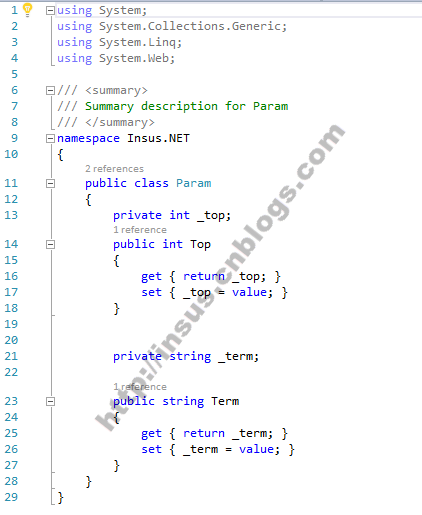
从代码示例中,它有2个参考需要上传,top,term。
为了更好在ashx能接收,我们写一个model:
using System;
using System.Collections.Generic;
using System.Linq;
using System.WEB;

/// <summary>
/// Summary description for Param
/// </summary>
namespace Insus.NET
{
  public class Param
  {
    private int _top;
    public int Top
    {
      get { return _top; }
      set { _top = value; }
    }


    private string _term;

    public string Term
    {
      get { return _term; }
      set { _term = value; }
    }
  }
}
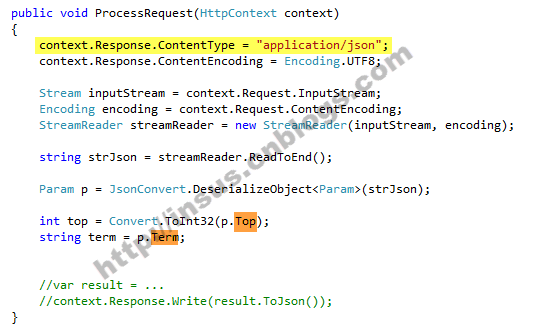
在ashx处理程序中,我们可以同下面这样接收Post过来的数据:
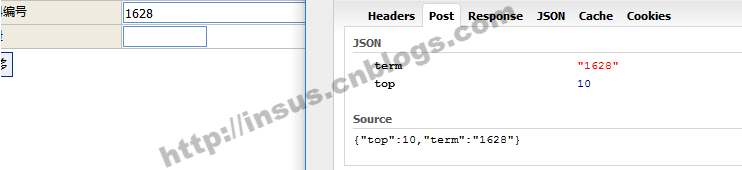
下面我们尝试在实际环境中,Post一个数据如 “1628”,在firefox的firebug看到传送结果如下:
在ashx中,接收到的结果如下:
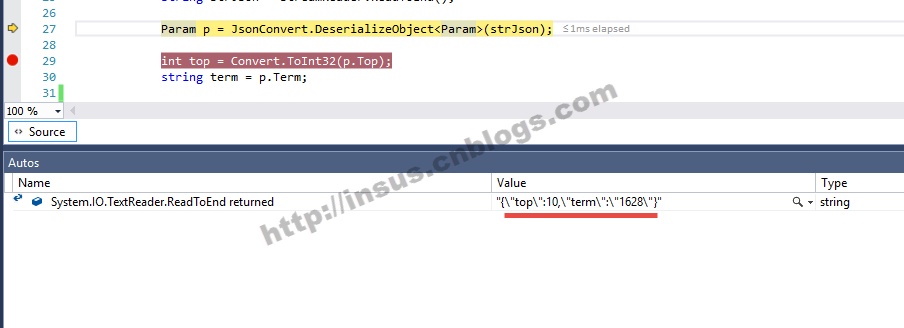
再进一步得到top的值:

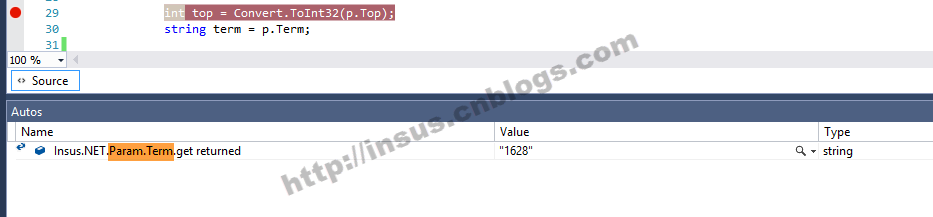
最后得到的是term的值:
感谢阅读,希望能帮助到大家,谢谢大家对本站的支持!






网友评论文明上网理性发言 已有0人参与
发表评论: